Business
Benefits of a Full Body Massage in Dehradun
Oct 15Sparsh Spa and Salon
Explore how a VOVO bidet toilet and smart bathroom features improve personal hygiene, comfort, and everyday convenience
Read more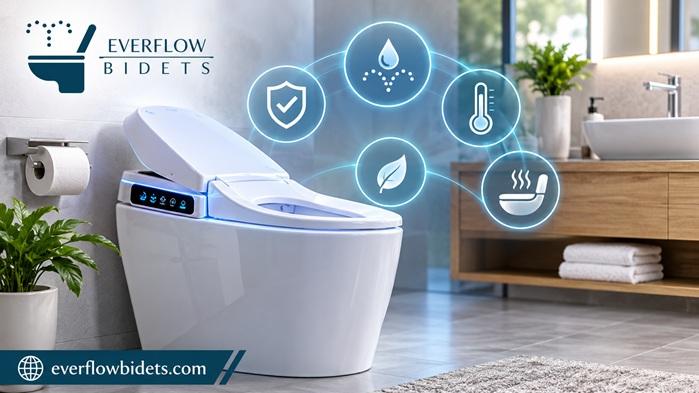
Fresh articles from the writers, businesses and agencies publishing on RANKINGPOST.

Reach new readers with SEO-friendly articles. Writers, businesses and agencies use RANKINGPOST to share their expertise on the topics they know best.
Publish Your Content


Tap a photo to read their latest post.
Find guest posts in the subjects you care about.
From a free account to a live, search-friendly article in six simple steps.
Step 01
Sign up in a few moments. All you need is your name, email and a password.
Step 01
Sign up in a few moments. All you need is your name, email and a password.
Step 02
Use the built-in editor to write, format and add images by URL. Your draft saves automatically as you go.
Step 02
Use the built-in editor to write, format and add images by URL. Your draft saves automatically as you go.
Step 03
Link to at least one other RANKINGPOST page, such as a related article. It's required before you can publish.
Step 03
Link to at least one other RANKINGPOST page, such as a related article. It's required before you can publish.
Step 04
Choose your URL, meta title, meta description and tags, and add FAQs to help your post show up in search and AI answers.
Step 04
Choose your URL, meta title, meta description and tags, and add FAQs to help your post show up in search and AI answers.
Step 05
Hit publish and your article goes live straight away, with structured data and a place in our sitemap.
Step 05
Hit publish and your article goes live straight away, with structured data and a place in our sitemap.
Step 06
See how many views each post gets in My Posts, and edit your content or SEO details whenever you like.
Step 06
See how many views each post gets in My Posts, and edit your content or SEO details whenever you like.
RANKINGPOST is built around SEO. Your post sits alongside articles in the same niche, gets its own SEO-friendly URL, and is published on fast pages with structured data that helps search engines understand it.
Create a free account, click Submit Post, and write your article in the built-in editor. Add a title, category, featured image URL and excerpt, then publish. Your work is auto-saved as a draft while you write.
Yes. You set the URL slug, meta title, meta description and tags yourself, so your post is optimised for the keywords you're targeting from day one.
Every published post is added to the site's XML sitemap automatically and includes article structured data, which helps Google and other search engines discover and index it.
Yes. You can add a question-and-answer section to your post. It's shown as an accordion like this one and marked up with FAQ structured data, which can help your content appear in search and AI answers.
Almost any niche. Posts are organised into categories including SEO, digital marketing, business, technology, finance, health, travel, real estate and lifestyle. Pick the category that best fits your article so the right readers find it.
Yes. Open My Posts from your account to update the content, images or SEO details of any post you've written, and see how many views each one has.
Yes. Our Services page lists Basic, Standard and Premium packages that combine on-page SEO, off-page SEO and AI SEO for your own website.
Honest feedback from writers who have published guest posts on RANKINGPOST.
Loading reviews...
Published a guest post? Sign in to leave a review.
Get weekly insights on guest posting, link building, and content strategy delivered straight to your inbox.
Join 15,000+ SEO professionals already on the list.